https://colab.research.google.com/drive/13xFkK9OyCTzGn1XTrlPL0t6tgGfUPA5s?authuser=2
To check HTML sauce code, press 'command'+'option'+'I'
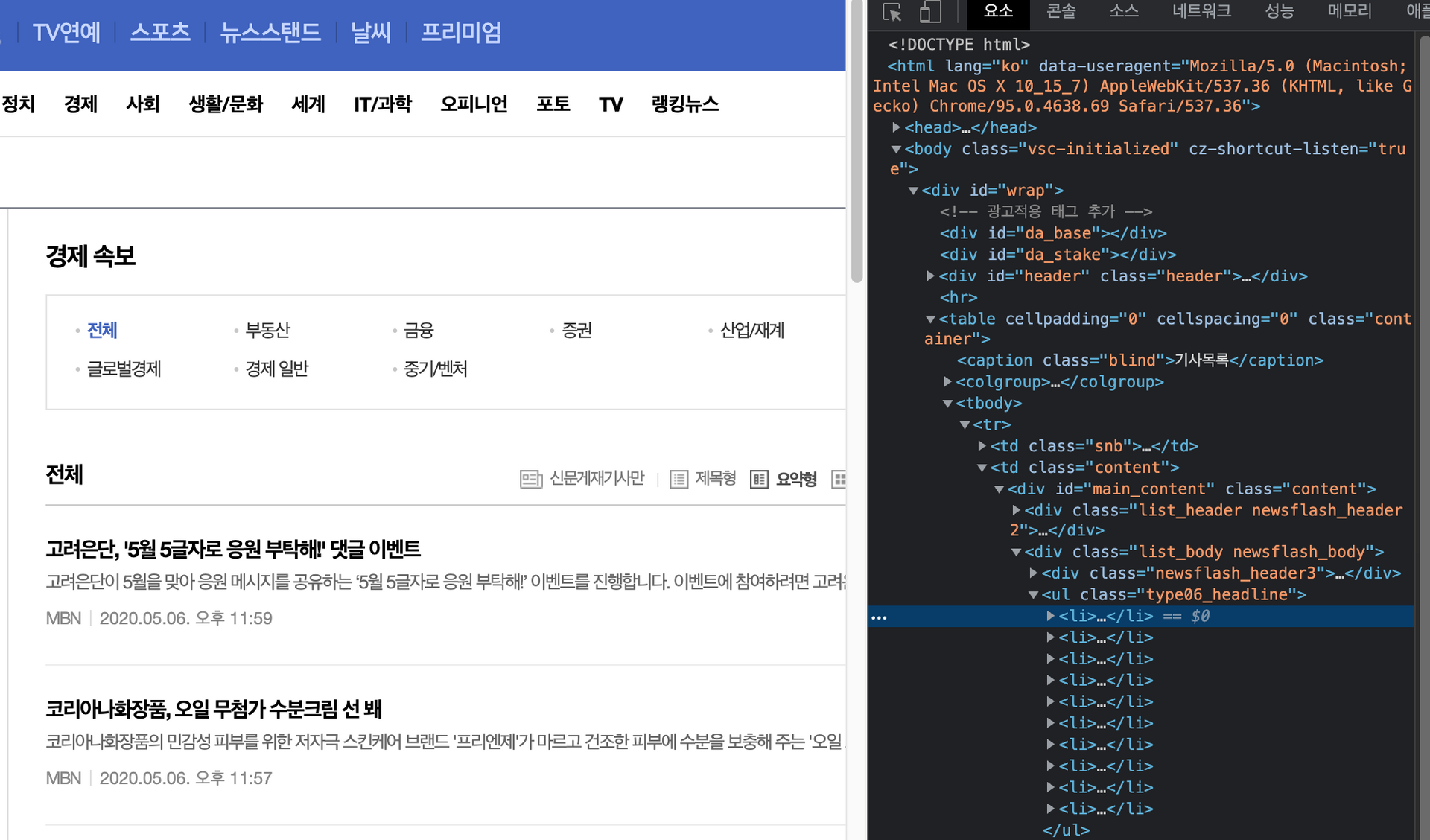
Url of an article is under
<li>,<dl>.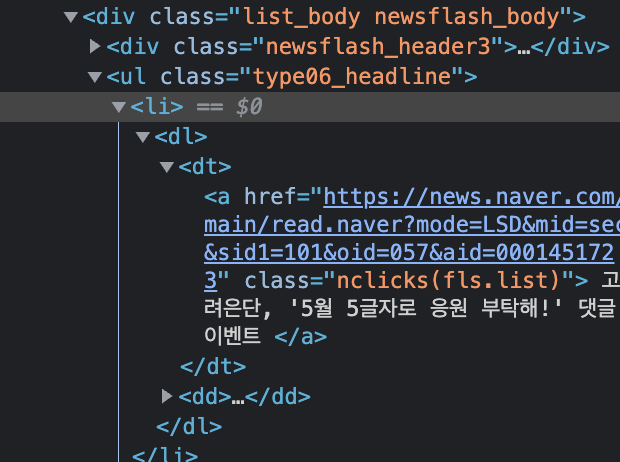
To do crawling the URL,
soup.select('.type06_headline li dl')
Steps of the practice
- Save article's URL as list form from Naver news page.
- Crawling the articles by using titles and bodies with newspaper3k package.
- Update dataframe once each crawling is done.
- Once the crawling is done, save dataframe file having all the data as csv file.
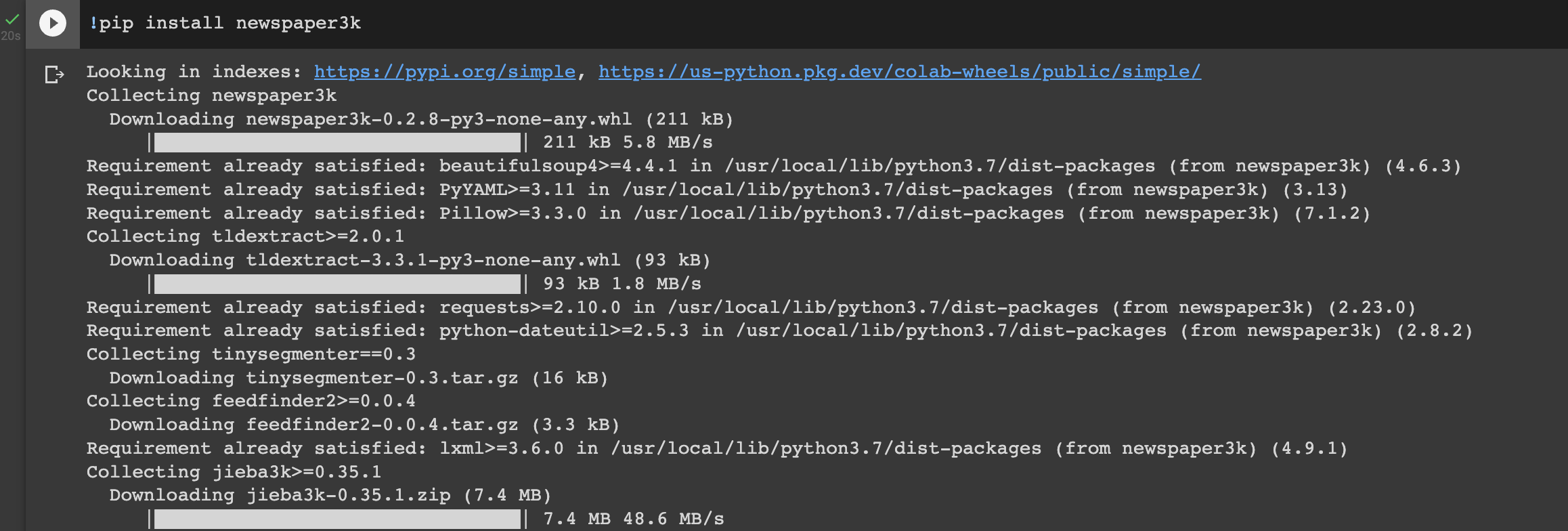
- Install newspaper3k
!pip install newspaper3k
- Import packages
# Import package 'requests'
import requests

# Import module 'article' from package 'newspaper'
from newspaper import Article

# Import package 'pandas' and call it as pd.
import pandas as pd

# Import module 'BeautifulSoup' from package 'bs4'
from bs4 import BeautifulSoup
- to do crawling the website, have a look at the URL. Change the URL as a form of variables.

'Page_num' variable indicates a page number.
'Code' variable indicates a category.
'Date' variable indicates a date.
Since URL is a string variable, integer variables need to be changed to string by using
str().
page_num = 1
code = 101
date = 20200506

url = 'https://news.naver.com/main/list.nhn?mode=LSD&mid=sec&sid1='+str(code)+'&date='+str(date)+'&page='+str(page_num)
print(url)
Result
https://news.naver.com/main/list.nhn?mode=LSD&mid=sec&sid1=101&date=20200506&page=1
- Now we would like to get a URL for each an article. To do this, we need to get the entire HTML sauce code for the page by using
requests.get(url)
#save the entire HTML of the URL as news
news = requests.get(url)
# print the HTML tag
news.content
It shows an error message since Naver, the website is blocking unidentified user crawling the website.
- To avoid this, we need to pretend as a proper user by running the code below.
headers = {'user-agent': 'Mozilla/5.0 (Windows NT 10.0; Win64; x64) AppleWebKit/537.36 (KHTML, like Gecko) Chrome/89.0.4389.114 Safari/537.36'}
news = requests.get(url, headers=headers)
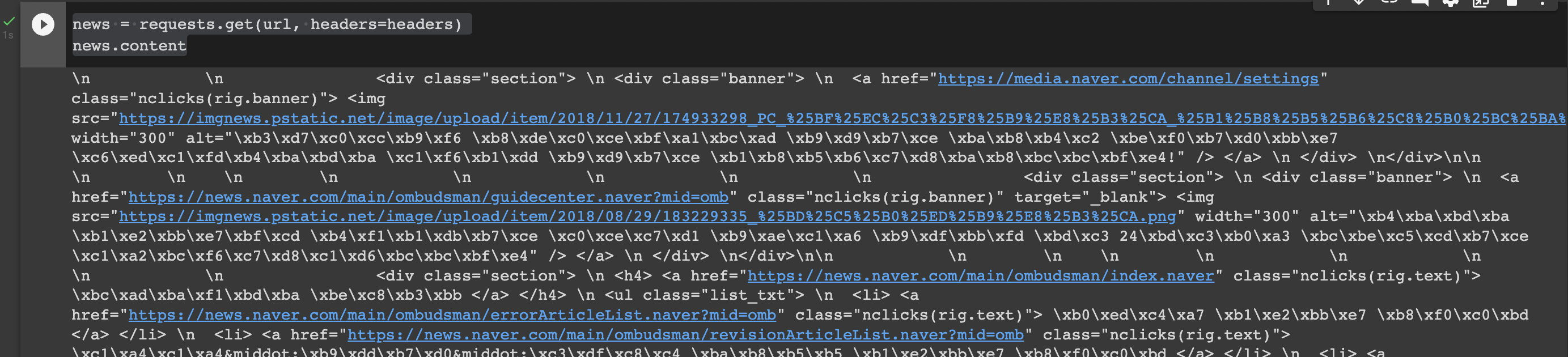
- After that run the code below. And it shows the entire HTML code.
news = requests.get(url, headers=headers)
news.content
- Now make a code with BeautifulSoup to return a URL by typing page number, category, and date.
# number of pages, category, date
def make_urllist(page_num, code, date):
# make an empty list to save URLs of each article
  urllist= []

  # 1 ~ page_num까지 정해진 페이지만큼 반복.
  for i in range(1, page_num + 1):

        # 함수의 입력으로 된 변수들로 주소를 조합
    headers = {'user-agent': 'Mozilla/5.0 (Windows NT 10.0; Win64; x64) AppleWebKit/537.36 (KHTML, like Gecko) Chrome/89.0.4389.114 Safari/537.36'}
    url = 'https://news.naver.com/main/list.nhn?mode=LSD&mid=sec&sid1='+str(code)+'&date='+str(date)+'&page='+str(i)
    news = requests.get(url, headers=headers)

    # BeautifulSoup 모듈을 사용하여 HTML 페이지를 분석
    soup = BeautifulSoup(news.content, 'html.parser')

    # case1
    news_list = soup.select('.newsflash_body .type06_headline li dl')

    # case2
    news_list.extend(soup.select('.newsflash_body .type06 li dl'))

    # 뉴스 리스트에 있는 각 뉴스로부터 a 태그인 <a href ='주소'> 에서 '주소'만을 가져온다.
    for line in news_list:
        urllist.append(line.a.get('href'))
  return urllist
Comments
Join the discussionNo comments yet. Be the first to comment.